
Share terminal details
Send the terminal model, dimensions, counter position, and required device arrangement so we can confirm the mounting envelope.
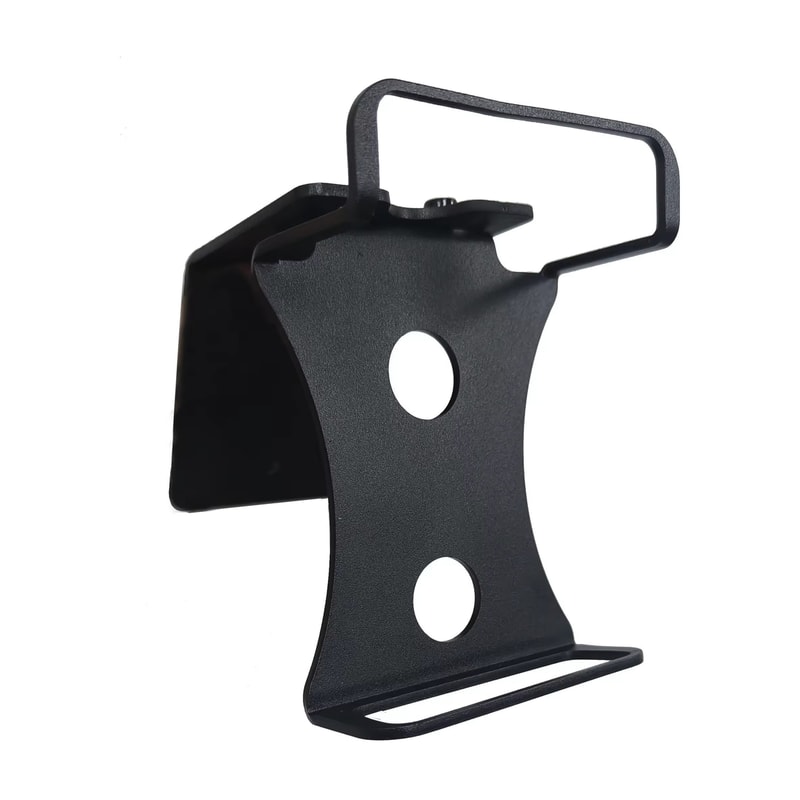
Black metal payment-terminal holder for WizarPOS Q3 pinpads, designed for desktop, wall, or self-service kiosk side mounting.
Package includes: POS Terminal Stand only. Payment terminal and other electronic devices shown are not included.
Product detail
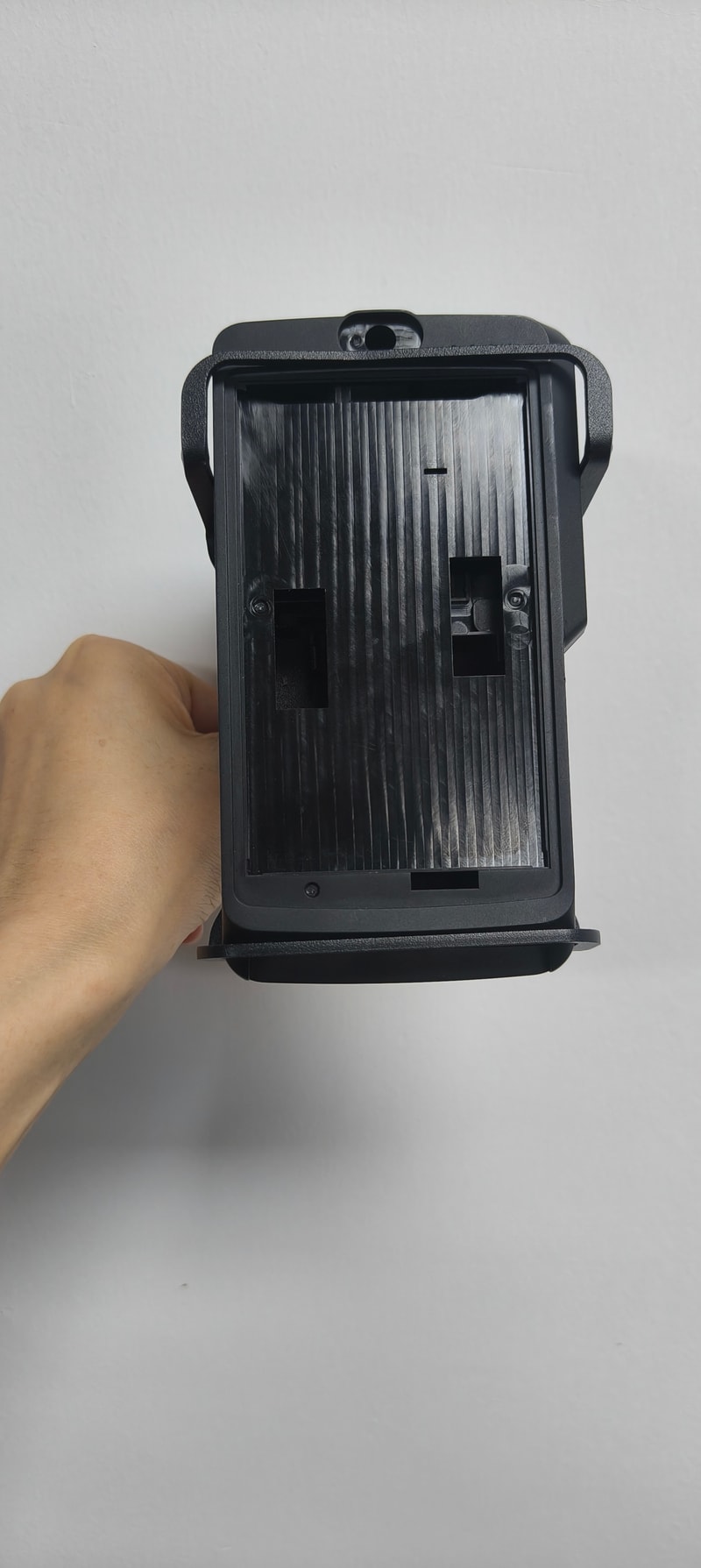
The fixing surface, hardware position, orientation, and service access support a stable installation.
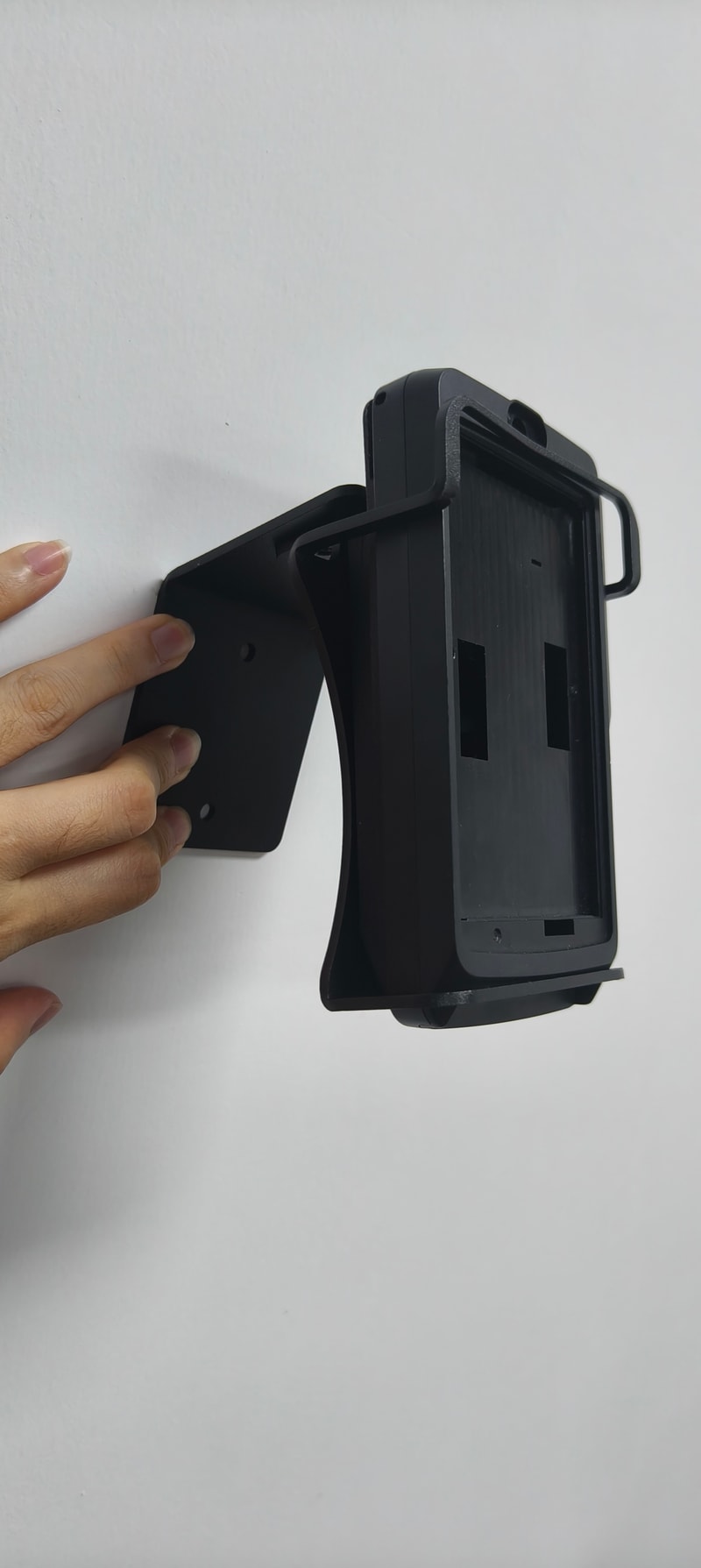
The fixing surface, hardware position, orientation, and service access support a stable installation.
Two upper hooks, a lower retention lip, and two circular openings define the device fit.
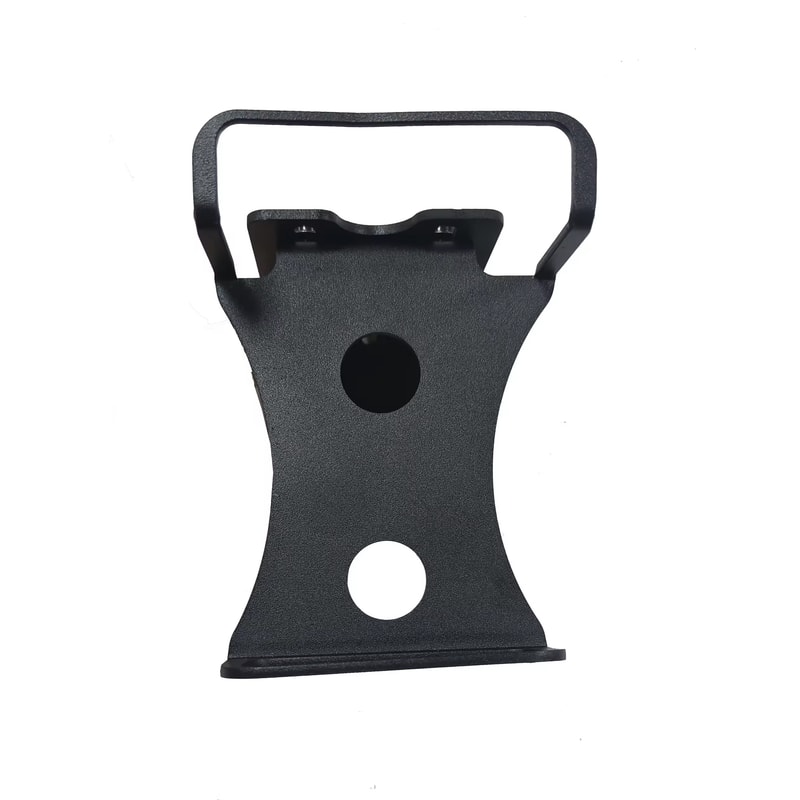
The bent steel sides form a compact wall-facing enclosure around the terminal.
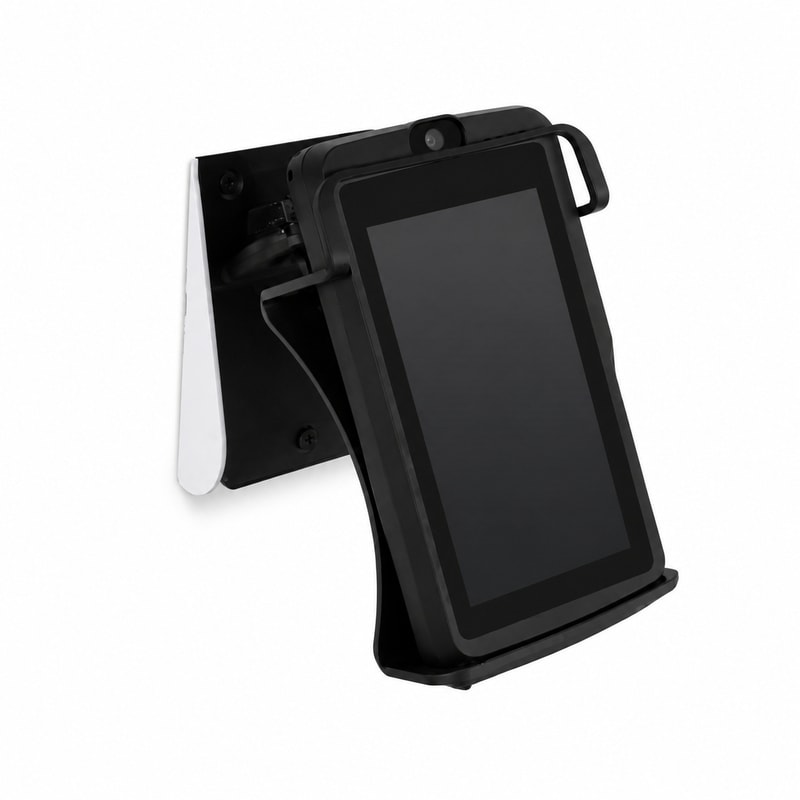
The handheld view records the reinforced back and central rectangular wall interface.
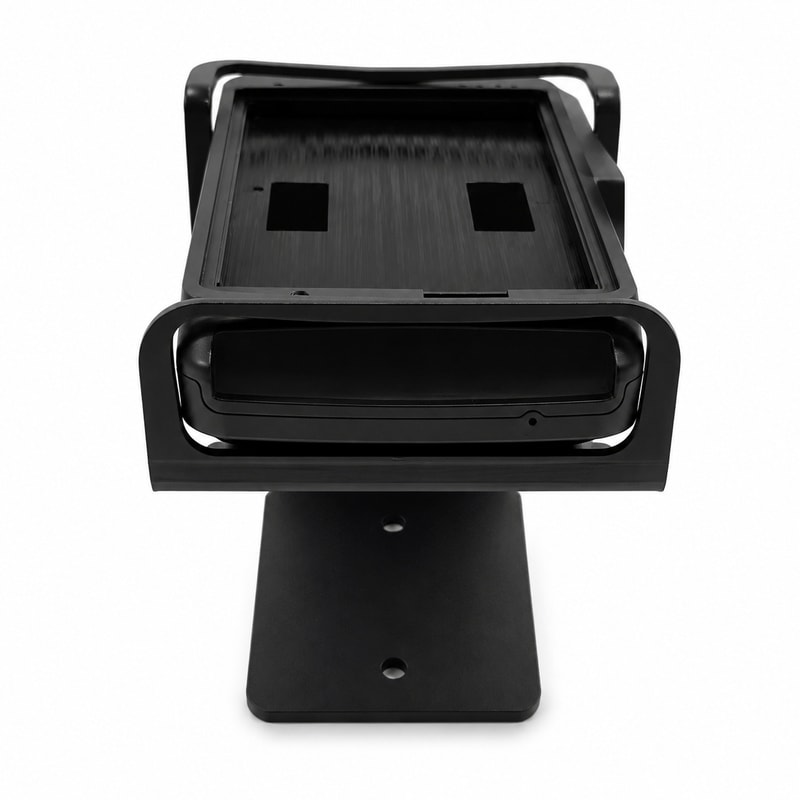
The final view shows the cradle depth and the small plate fixed behind it.
Send the terminal model, dimensions, counter position, and required device arrangement so we can confirm the mounting envelope.
We prepare the holder, movement range, cable route, finish, and fixing method for your checkout workflow.
Confirm the sample, fit, movement, and finish before the approved configuration moves into mass production.
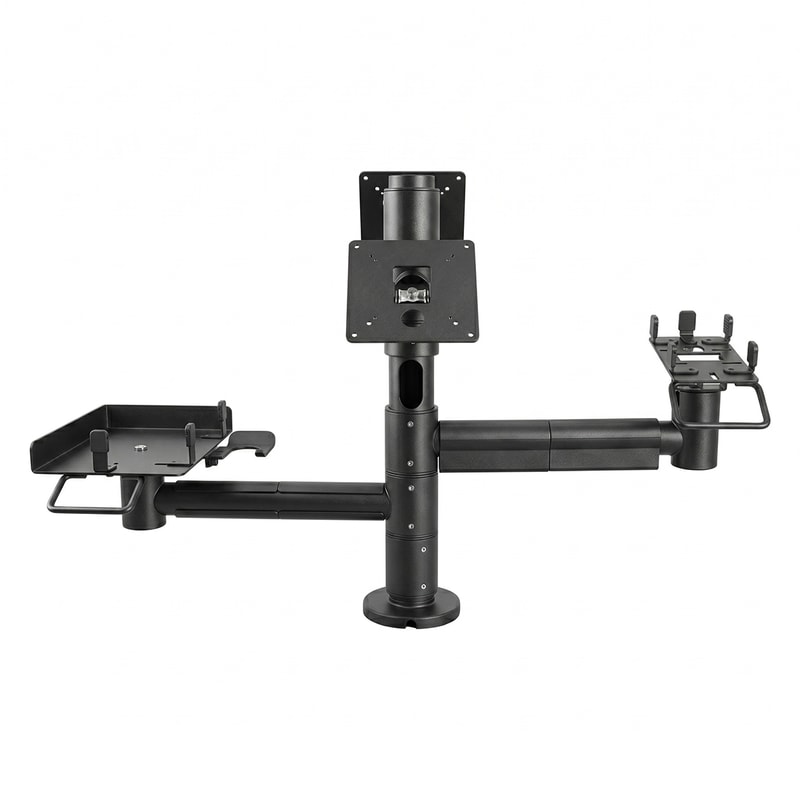
The stand specification records the compatible terminal, holder, rotation and tilt, fixing method, cable route, material, finish, and quantity.
Share the terminal details, counter setup, and order requirements so we can match the holder and stand configuration.
Share the exact terminal model, hardware variant, dimensions, connector positions, and any protective-case dimensions.
Tell us the required rotation, tilt, user orientation, cable direction, and operating clearance.
Share the adhesive, screw, pole, or base fixing you need, plus finish, quantity, logo, packaging, and destination.
Tell us the terminal model, quantity, installation surface, cable route, and destination.
Tell us the terminal model, quantity, installation surface, cable route, and destination.